GridMaster EA Review
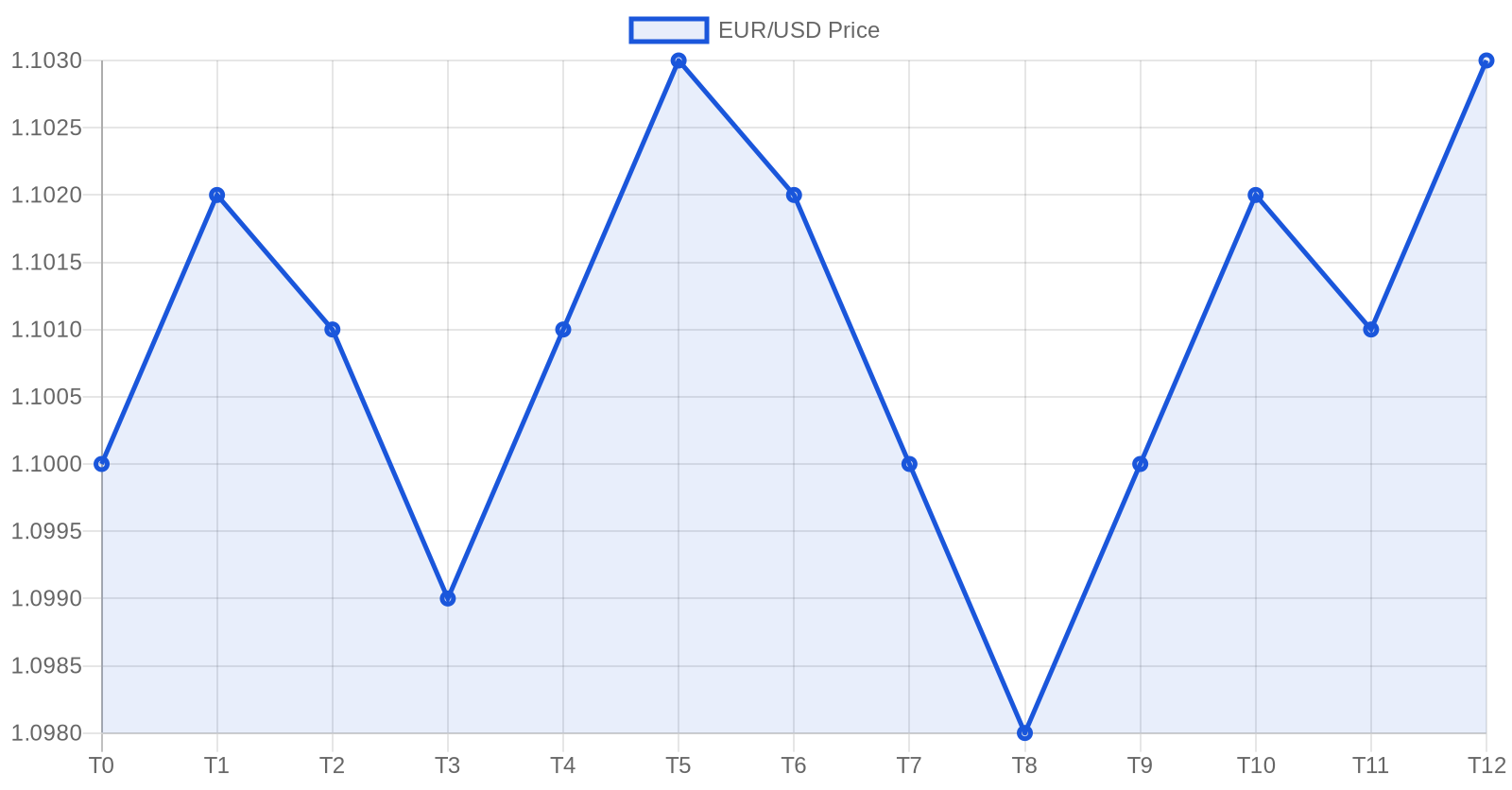
GridMaster is a free grid trading Expert Advisor for MetaTrader 4 and MetaTrader 5 that places a ladder of pending buy and sell orders around the current price. It profits from the natural oscillation of ranging markets and ships with five layers of risk protection to cap drawdown when a strong trend arrives.
What is Grid Trading?
Grid trading places multiple buy and sell orders at fixed intervals (the “grid”) above and below the current price. As the market oscillates, orders are triggered and closed at profit — without needing to predict direction.
Key advantage: Grid trading is direction-agnostic. It profits from normal market oscillation rather than from accurate forecasting, which makes it particularly effective in ranging or sideways markets.
How GridMaster Works
- Grid initialization — On the first tick, places pending buy stops above and sell stops below the current price at the configured spacing
- Order execution — As price hits each level, the pending order triggers and a new long or short position opens
- Take profit — Each position has its own TP set to the grid spacing, so a single oscillation closes it for a fixed profit
- Grid renewal — When an order closes in profit, a fresh pending order is placed at the same level
- Risk gating — All five risk layers are evaluated on every tick; if any limit is breached, the EA stops opening new orders (and optionally closes everything)
Risk Management (Built-in Safety)
GridMaster ships with five independent layers of protection:
| Layer | Default | Purpose |
|---|---|---|
| Max open positions | 10 | Caps the size of the ladder |
| Max drawdown | 20% | Stops new orders when DD exceeds the threshold |
| Max lot per order | 0.1 | Per-order size cap |
| Max total lots | 1.0 | Aggregate exposure cap |
| Equity protection | 70% | Closes everything if equity falls below this fraction of starting balance |
Weekend Protection: Optional automatic closure of all open positions before Friday market close to avoid weekend gap risk.
Configuration
| Parameter | Default | Range | Description |
|---|---|---|---|
| GridSizePips | 20 | 10–50 | Spacing between grid levels |
| GridLevels | 5 | 3–10 | Pending orders in each direction |
| StartLotSize | 0.01 | 0.01–0.10 | Initial position size |
| LotMultiplier | 1.0 | 1.0–1.5 | Size increase per deeper level (1.0 = flat) |
| MaxOpenPositions | 10 | 3–20 | Hard cap on concurrent positions |
| MaxDrawdownPercent | 20 | 5–30 | Stops new orders above this DD |
| EquityProtectionPercent | 70 | 50–90 | Hard close trigger as % of starting balance |
| CloseBeforeWeekend | true | bool | Flatten all positions on Friday close |
Recommended Settings by Account Size
| Account size | Grid spacing | Levels | Start lot | Max positions |
|---|---|---|---|---|
| $200 – $500 | 25 pips | 3 | 0.01 | 6 |
| $500 – $2,000 | 20 pips | 5 | 0.01 | 10 |
| $2,000 – $10,000 | 20 pips | 5 | 0.02 | 10 |
| $10,000+ | 15 pips | 7 | 0.05 | 14 |
Rule of thumb: Grid spacing should be roughly 1.5–2× the average spread of the pair you are trading. Tighter grids fire more often but eat more spread; wider grids fire less but produce larger per-trade profit.
Grid Spacing Guidelines
| Market condition | Recommended grid | Typical pairs |
|---|---|---|
| Low volatility | 15–20 pips | EUR/USD, USD/CHF |
| Normal | 20–30 pips | GBP/USD, AUD/USD |
| High volatility | 30–50 pips | GBP/JPY, EUR/JPY |
Strengths and Risks
Strengths
- Profits in ranging and sideways markets where directional EAs sit flat
- No need to predict direction — the grid catches both sides of every oscillation
- Highly configurable risk caps (5 independent layers)
- Generates trades continuously, which compounds nicely on consistent ranges
Risks
- Strong, sustained trends are grid trading’s worst enemy — they fill one side of the grid without ever retracing
- Requires sufficient free margin to maintain the ladder during adverse moves
- Multiple open positions tie up more margin than a single-position EA
- Not suitable for accounts under $200 — the grid math doesn’t have enough room
How to Get Started
- Open a free XM account (≈3 minutes)
- Register your account to activate the EA
- Download GridMaster EA (both MT4 .ex4 and MT5 .ex5 are provided)
- Install on MetaTrader following our step-by-step guide
- Attach to an H1 chart of EUR/USD or USD/CHF (ranging majors) and confirm “AutoTrading” is enabled
How GridMaster Compares to Our Other EAs
| SteadyPips | GridMaster | BreakWave | TripleAlign | |
|---|---|---|---|---|
| Style | EMA trend | Grid trading | Breakout | Multi-EMA trend |
| Best market | Trending | Ranging | Range → breakout | Strong trends |
| Entry logic | EMA crossover | Fixed grid levels | BB squeeze + ADX | Triple EMA + ADX |
| Risk:reward | 1:1.33 | Variable | 1:1.33 | 1:2 |
| Trade frequency | 3–8 / week | Continuous | 2–5 / week | 1–3 / week |
Frequently Asked Questions
Why does GridMaster lose money during trends? Grid trading depends on price oscillating around a midpoint. A strong one-directional trend keeps triggering orders on one side without ever giving them a chance to close at profit — the equity-protection layer is specifically designed to halt the EA before this snowballs.
Can I run GridMaster on multiple pairs at once? Yes, but each instance consumes margin independently. Verify that the combined max-positions × max-lot across all charts fits within your account’s free margin with comfortable headroom.
Why is LotMultiplier set to 1.0 by default instead of a martingale increase?
Increasing lot size on deeper levels (martingale-style) magnifies losses during trends. We default to flat 1.0 because survivability matters more than incremental return; advanced users can raise it up to 1.5 if they accept the additional risk.
What happens during a flash crash or news spike? The 70% equity-protection layer will close all positions before a single event can wipe the account. The default 20% max-drawdown layer additionally stops new orders from opening once DD reaches the limit.
Further Reading
- What Is Grid Trading? — Beginner-friendly introduction
- Grid Trading Strategy: Complete Guide — Deeper mechanics and edge cases
- How to Set Up Grid Trading — Practical setup walkthrough
- Grid Trading vs Martingale — Why we default to flat lot size
- Best Pairs for Grid Trading — Which majors range cleanly
- GridMaster Setup Guide — Parameter tuning walkthrough
- How to Install an EA on MetaTrader — Step-by-step setup
- Forex Risk Management Guide — Universal risk principles
- VPS for Forex Trading — Keep the grid alive 24/5
- SteadyPips EA Review — Compare with our trend-following EA
Important Disclaimers
- Grid trading involves significant risk, including the potential for large drawdowns during strong trends.
- Past performance is not indicative of future results. The grid pattern above is illustrative, not a backtest.
- This EA does not guarantee profits.
- Always test on a demo account before committing real funds.
- Never trade with money you cannot afford to lose.
Affiliate Disclosure: This page contains affiliate links to XM. We receive a commission when you open an account through our links, at no additional cost to you. Full disclosure